CakeFizz App User Data Deletion Guide
Follow this guide to delete your user data from the CakeFizz app. We respect your privacy and provide easy steps to manage your data.
Step-by-Step Guide
This document explains how to sign in, navigate to account settings, and permanently delete your user data and activity from your profile.
Step 1: Sign In with Google
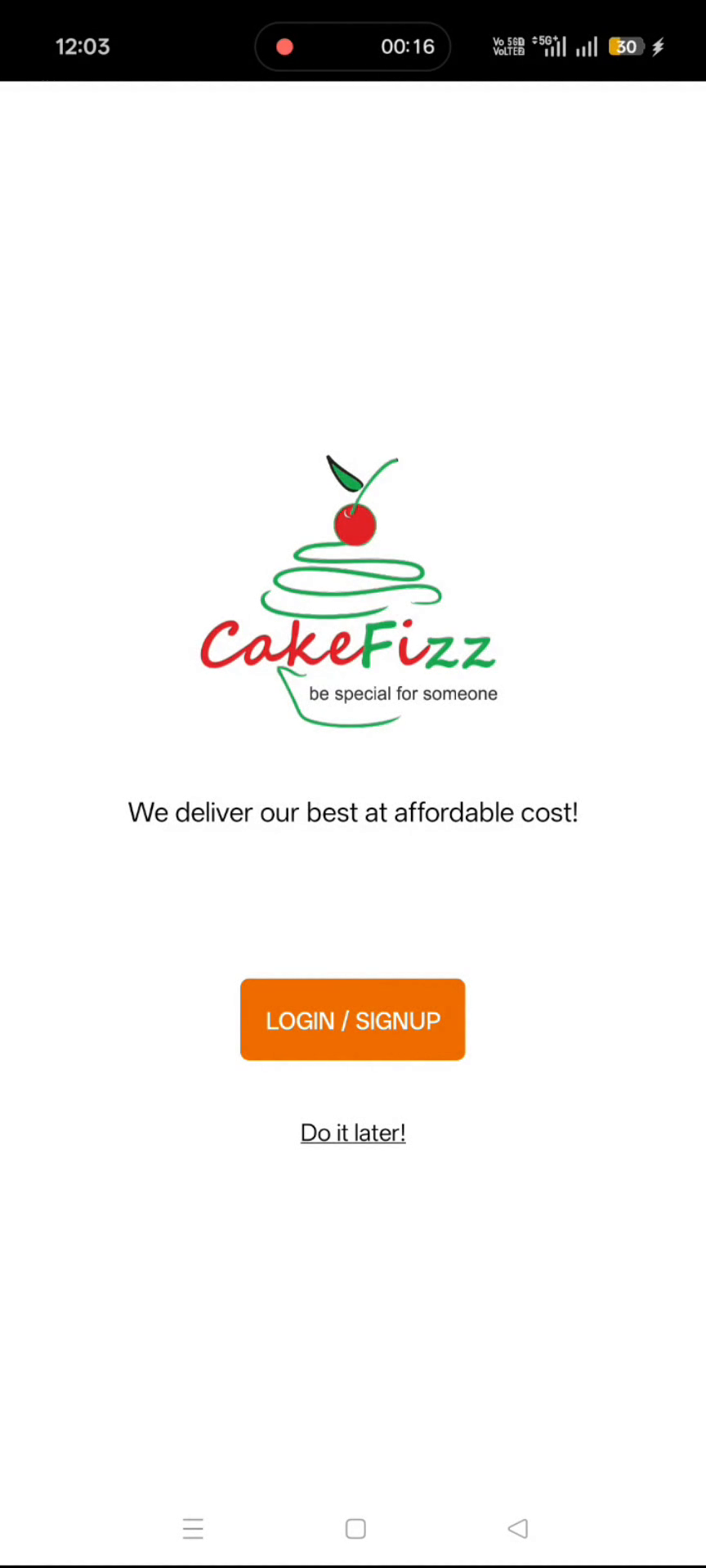
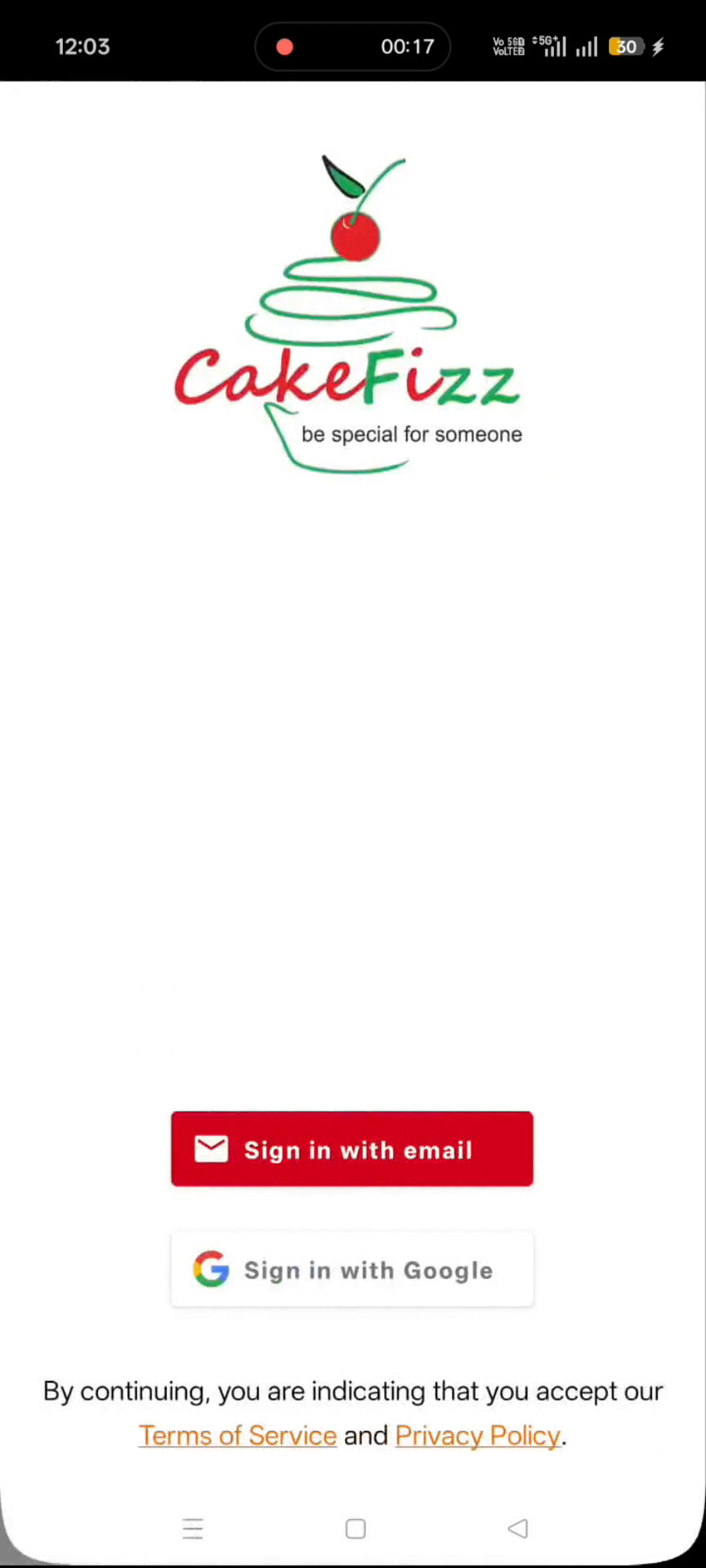
Click LOGIN / SIGNUP, then select Sign in with Google to log into your account.
Step 2: Open the Profile Menu
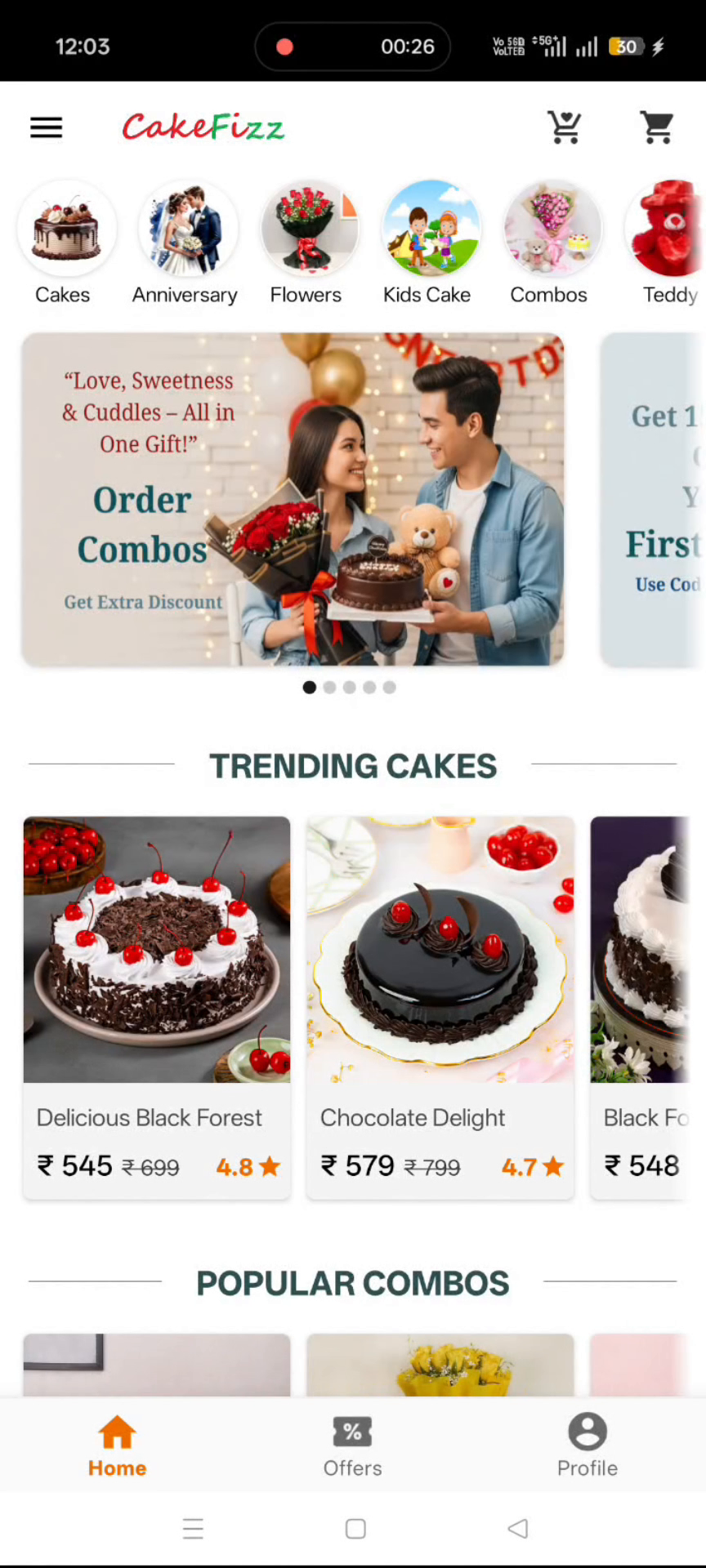
After the home screen loads, open the profile menu from the top navigation or profile icon.
Step 3: Navigate to the Data Deletion Option
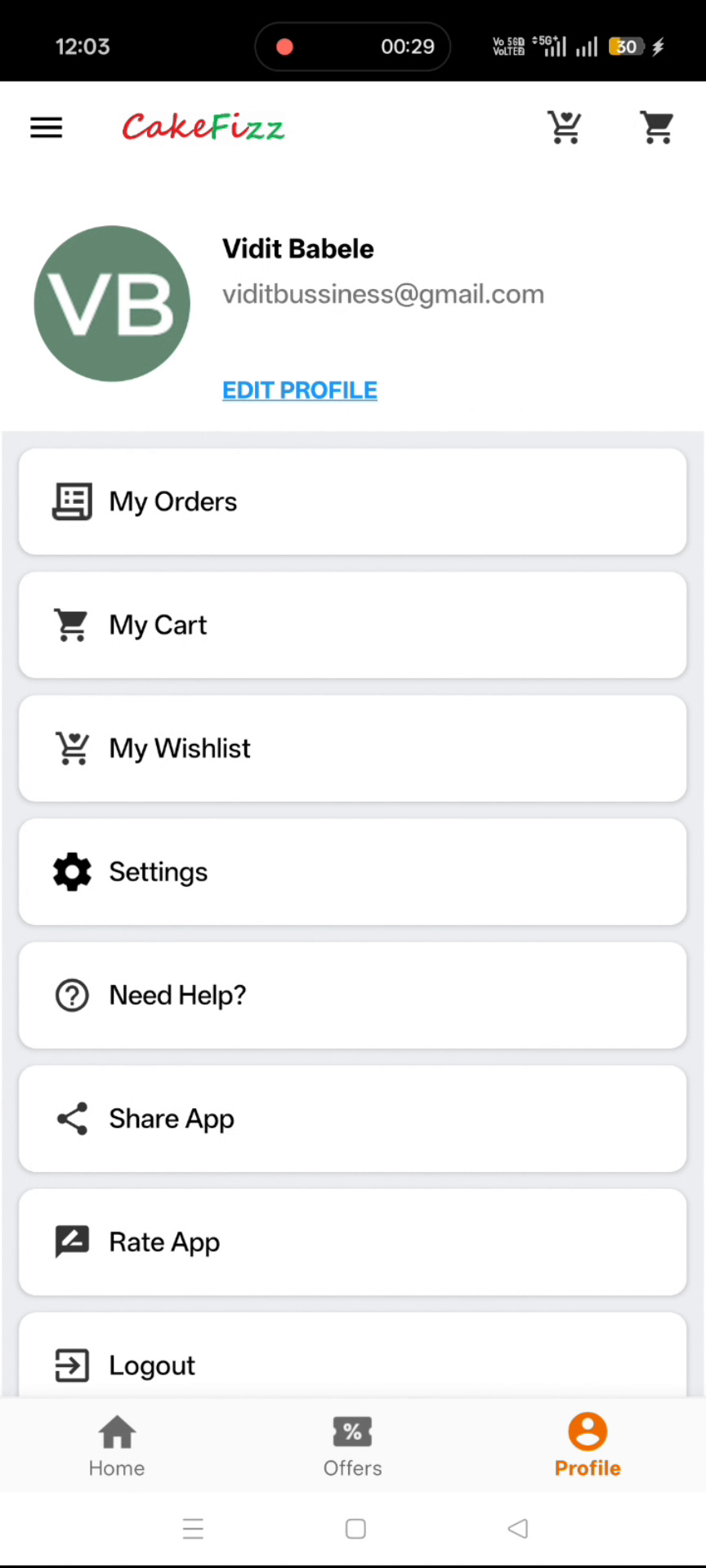
In the profile menu, click Settings, then select Delete Your User Data and Activity.
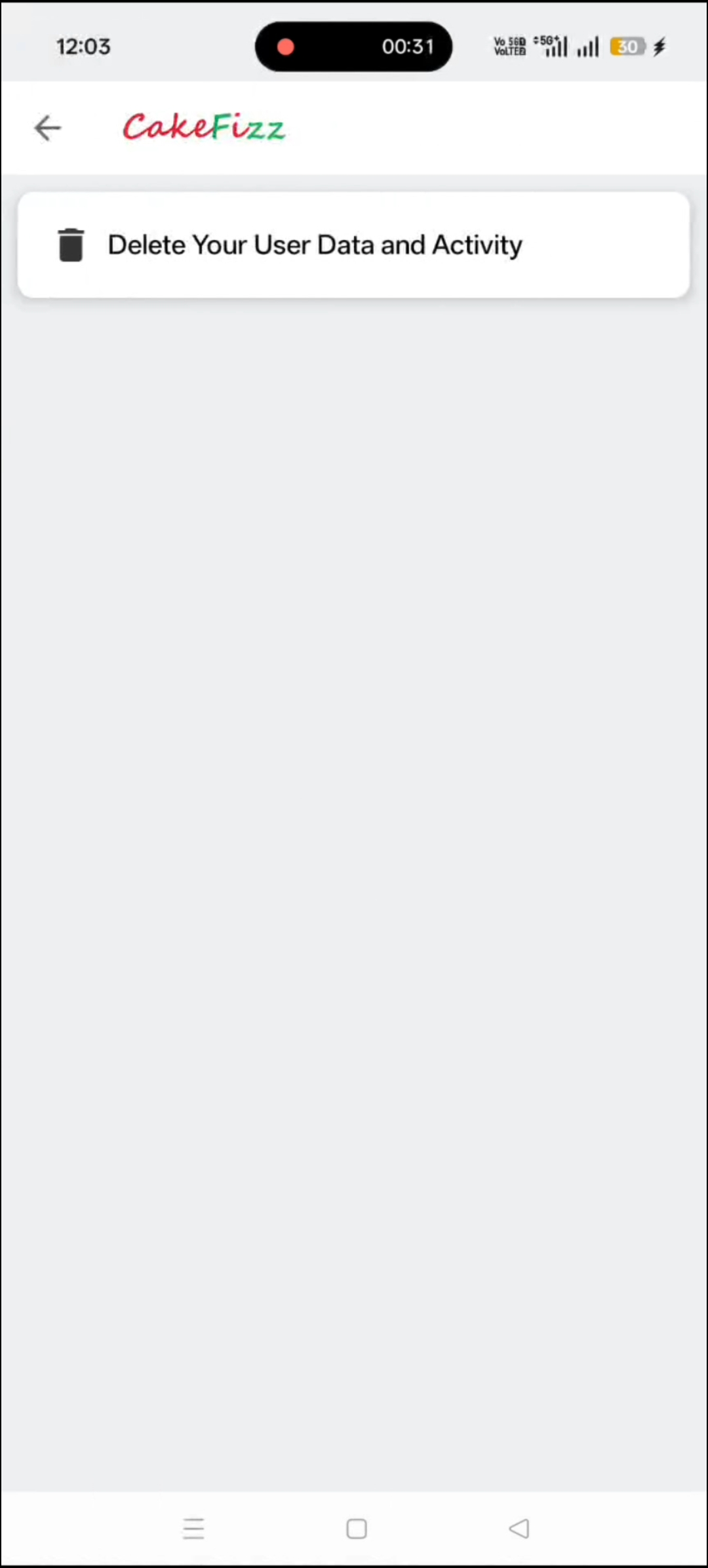
Step 4: Confirm Deletion and Verify Success
Click YES to confirm deletion. A toast message will appear confirming that your data has been successfully deleted.
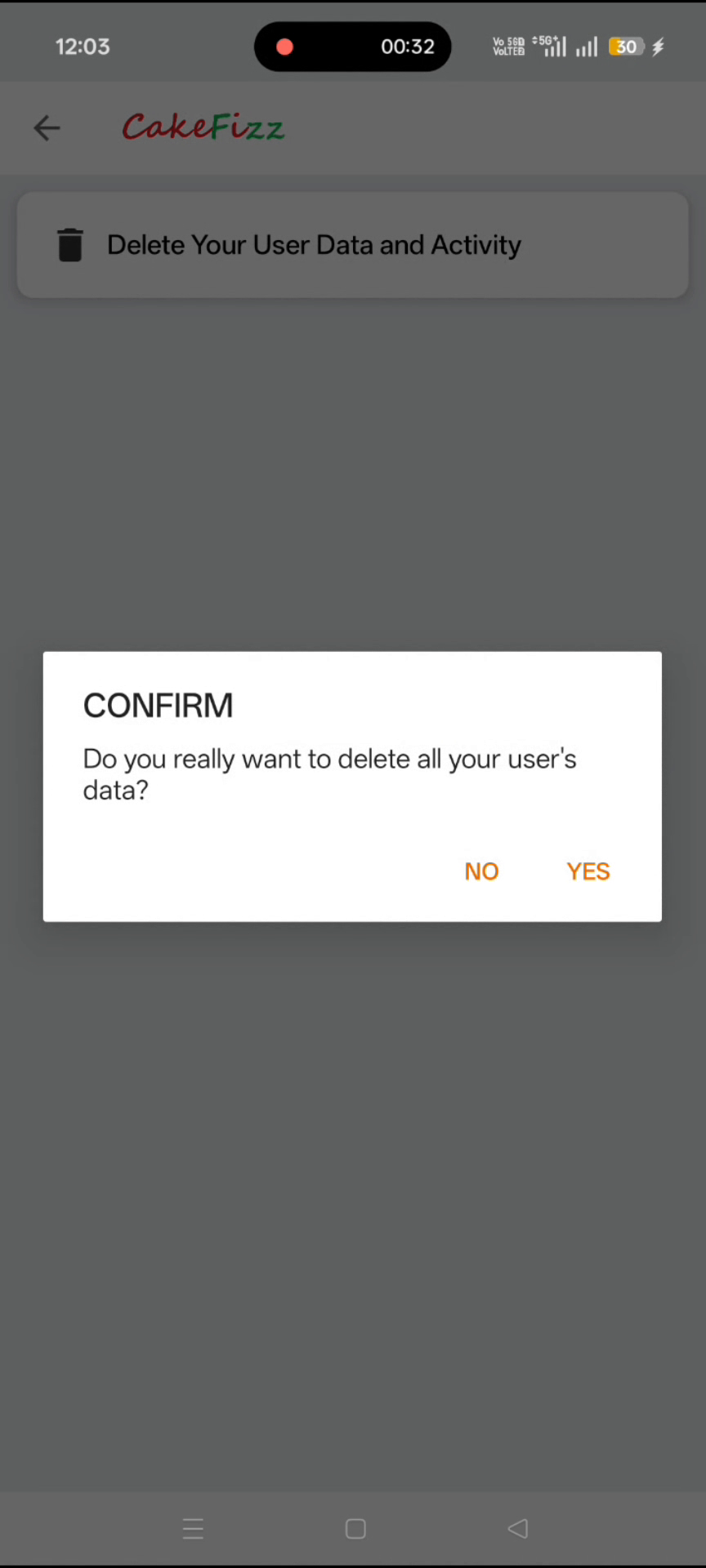
Once the confirmation message appears, your CakeFizz user data and activity have been deleted successfully. You can continue using the app with a fresh account state or sign out if you no longer wish to use CakeFizz.